✅ Review: Carefully verify all your personal andvehicle details.
✅ Amend (If Needed): If you notice any inaccuracies,please update the information in the form.
✅ Confirm: Once all details are correct, clickSubmit Form to complete the process.
Our team will review your form submission within 1–2 working days. Thank you for your patience.
You’ll receive an email or SMS notification once your account is ready for migration.
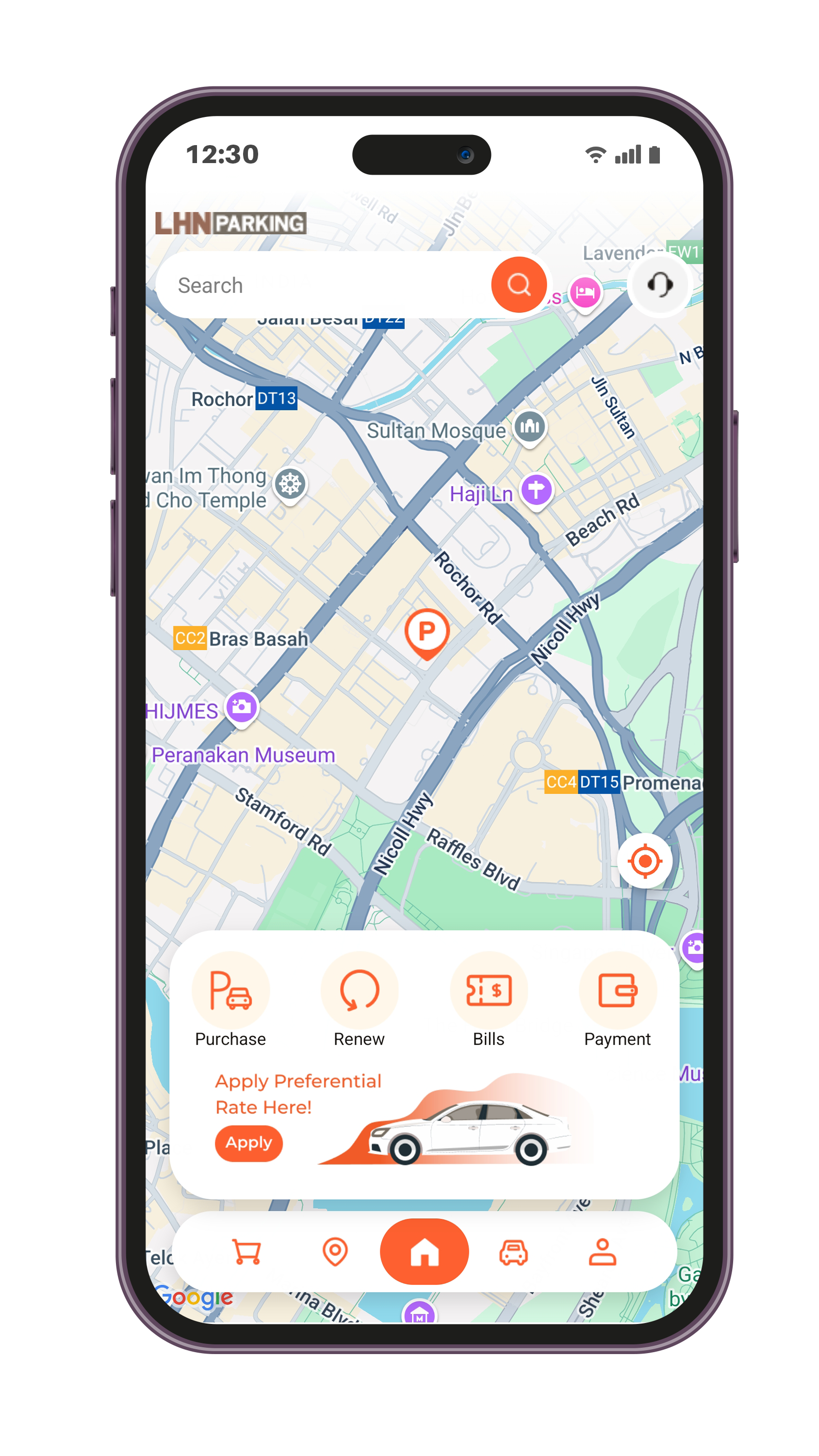
✅ Download: Install the LOTS App.
✅ Reset Password: For first-time login, select “Forgot
Password” to create your new password.
Please click the button to see the step-by-step instructions for the LOTS App.
202 Kallang Bahru, 08-08, Singapore 339339
You've received it because you've subscribed to our newsletter.
Unsubscribe